
it is very, very simple to create a WordPress site in Azure, you can find several templates ready to use on marketplace and start to work with your site in just some minutes.
Go to New, Compute, Web Site, From Gallery

I selected the Brandoo solution, they use SQL and I know SQL better than mySQL so for me this is the best option:
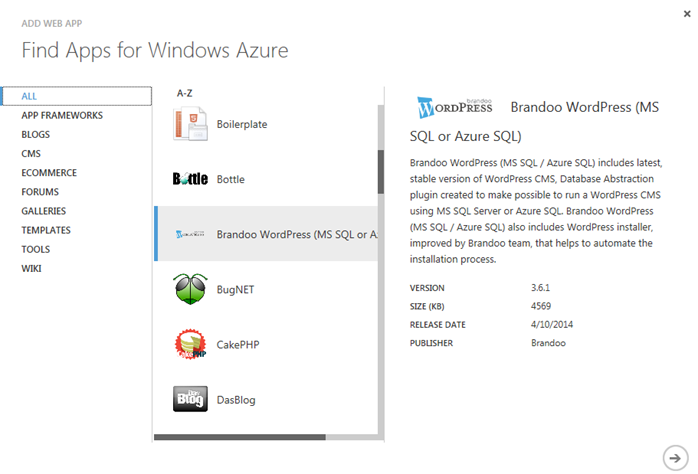
Fill the information related to the site. In my case, I will use a free database with 20 Mb, it is enough space for me.

Specify the database settings that you prefer:
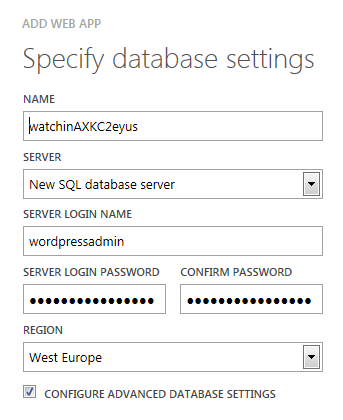
In my case, I have to choose a collation for my SQL database:

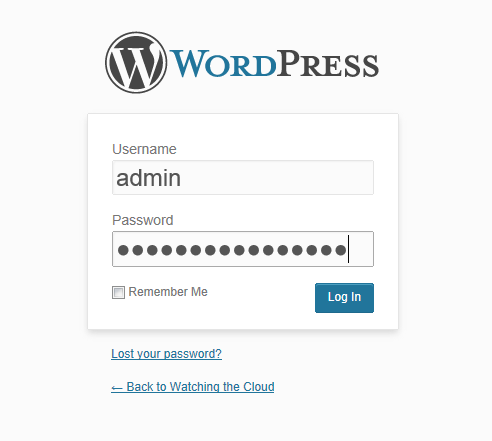
And this is all… Now you can see the WordPress Welcome page, enter your blog title, user name and password, and the rest of the information needed to create your site:


Ready!!

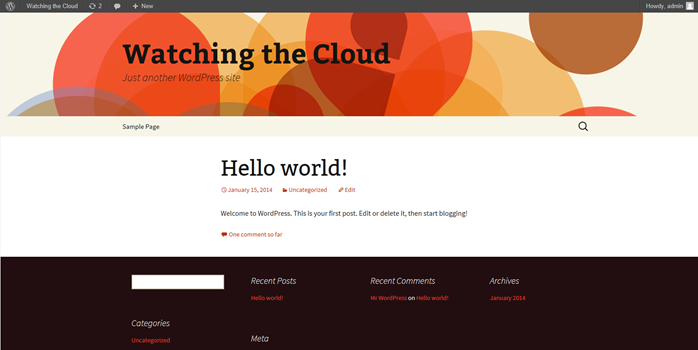
Now you can access to your site as Administrator and start to work on the customization:
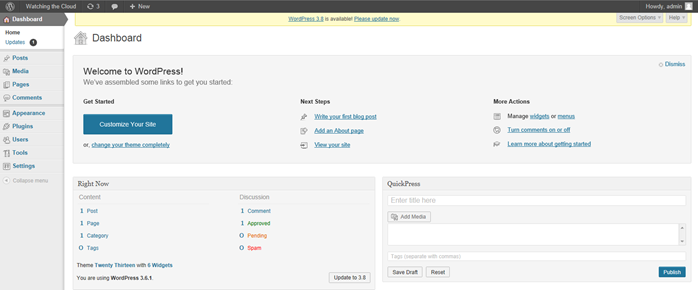
Depending on your good taste, your site will look better or worse:
Enjoy it!!
 Angel Perez Palacios